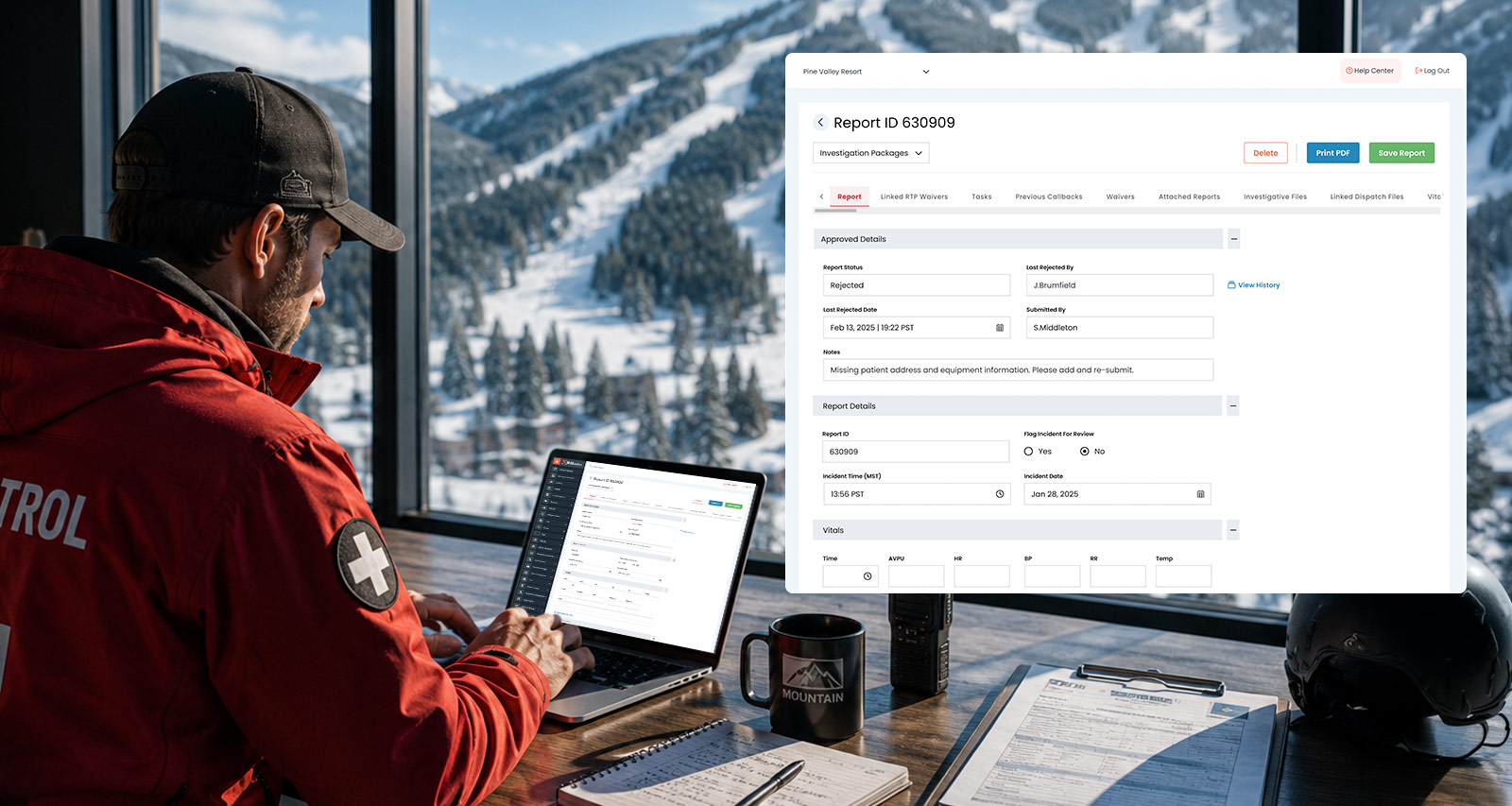
EDGEauditor gives every resort the ability to build custom reports – inspection logs, trail condition checks, pre-event checklists, post-event summaries and more. That flexibility is one of the platform's biggest strengths. But it also means the quality of your data depends heavily on how those reports are built in the first place.
Two resorts can both be tracking "incident type" and end up with data that looks completely different – not because their mountains are different, but because one resort used a structured question and the other used a text field. When it comes time to analyze trends or presenting to leadership, these key differences matter.
Here's what to think about when you're building reports or auditing existing templates in EDGEauditor.
The single most impactful decision you'll make when building a report is choosing the right question type.
Single-select and multi-select questions are your best friends for any data point you'll want to analyze. When staff choose from a defined list of options, your data stays consistent. "Fall" always means fall. "bike park" always means bike park. When you run a report, filter by response, or look at trends over time, you're comparing apples to apples.
Short text fields, on the other hand, are powerful for capturing nuance, but they're difficult to aggregate. If you ask "What type of incident was this?" as a free-text field, you might end up with "fall," "falling," "rider fell off their bike" and "collision (fall)" all meaning roughly the same thing. That's fine to read in isolation, but it's nearly impossible to analyze at scale.
The practical rule: If you'll ever want to count it, filter by it, or trend it – use a single-select or multi-select question. Reserve short text for context and narrative that doesn't need to be aggregated, such as "Describe what happened in the staff member's own words."
Before adding a question to a report, ask yourself: What will I do with this answer?
If the answer is "I'll read it in individual reports," a text field may be fine. If the answer is "I'll want to know how often this response appears across 200 submissions," you need a structured question type.
This is especially worth thinking through for fields like:
Every one of these is a candidate for a structured question – and every one of them becomes significantly more useful when the data is consistent.
If your resort is open for summer operations – mountain biking, hiking, zip lines, disc golf, scenic gondola rides, summer camps, or anything else – your EDGEauditor setup should reflect that.
It's easy for summer to become an afterthought when it comes to documentation. Staff are different, volumes are lower and the sense of urgency feels less than peak ski season. However, incidents happen in summer too, and so do the compliance obligations that come with them.
It’s worth doing a quick audit of what's actually configured in EDGEauditor for your summer operations:
Getting this set up means you'll have clean, consistent data. In the event you ever need to demonstrate your inspection and safety practices to an insurer, regulator, or legal team, you'll have the documentation to back it up.
July is Disability Pride Month, and it's a meaningful time to think about how your resort is documenting accessibility and adaptive programming.
If you offer adaptive skiing, seated sports, or other accommodation-focused activities, those programs should have their own presence in EDGEauditor – not just folded into general incident reporting. Tracking incidents, equipment use and operational notes specific to adaptive programs helps you manage those activities with the same rigor and visibility as everything else on the mountain.
It also sends a signal to your team: adaptive guests are guests whose experience we track, measure and work to improve. That's what inclusion looks like operationally.
Not sure where to start? Run through these questions for your current EDGEauditor setup:
If the answer to any of these is "not sure" or "no," that's the place to start.
Need help reviewing your report structure or setting up summer ops templates?

 HOME
HOME